

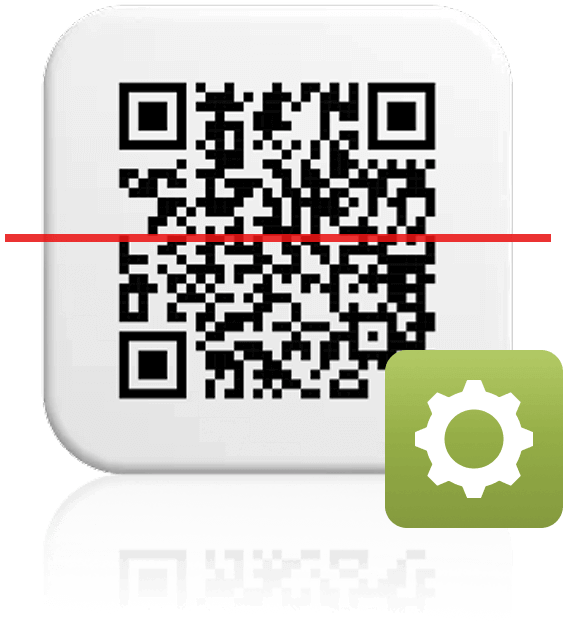
あなたの木々へのリンクを
QRコード形式で取得
この機能では、木の専用リンクが埋め込まれたQRコードを、PNG形式でダウンロードできます。
生成されたQRコードは、ご購入いただいた新しい木にそれぞれ紐づけられています。QRコードごとにリンク先の木は異なり、すべて固有のQRコードとなります。
また、1つのQRコードに紐づける木の本数は、ご希望に応じて自由に設定できます。
Step by step

1. Enter your company information
In this step you can enter all your brand details, like company logo, website address, and social media accounts that will be linked to the trees and will be visible in TreeTracker.
2. Enter number of QR codes you need
In this step you enter the number of QR Codes you need and the number of trees per QR Code.

3. Download QR Codes
Once you select the download button, a file with all QR codes in PNG format will be automatically downloaded. As a backup, EcoMatcher also sends an email to your registered email address containing all QR codes that were generated.
どのように機能するのでしょうか?
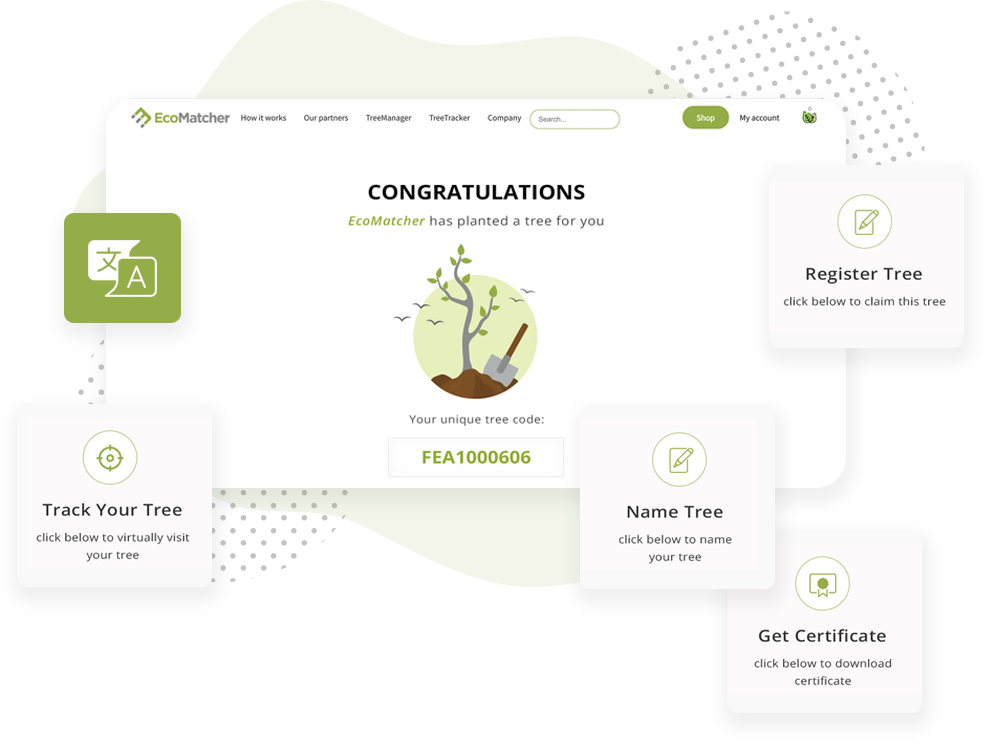
When someone (“tree recipient” or “recipient”) gets gifted a tree by QR code, they can scan on the QR code. The recipient will be directed first to a landing page.
The landing page offers the recipient a number of options:
- Virtually travel to the tree and learn more about the tree and planter;
- Register the tree under the recipient’s account;
- Name the tree;
- Download a tree certificate.
The default language of the landing page is English, but EcoMatcher also offers numerous other languages, including Spanish and Chinese.